
Name-Based Case Searches
For adult criminal settings, the Caddo District Attorney criminal date search is the official name-based form. It is not a full Caddo Parish case index. Type a last name or docket number. Add a first name when a surname is common. The form only lists cases with a future court date. That means it cannot show a complete record history or a final outcome. Treat a name search as a way to spot a possible setting. Then confirm the docket number, the court, and the result type. Only then assume you found the right case. The static form offers no court selector, case-type selector, date range, judge filter, status filter, sort control, or export option. None of those features should be assumed.
- Identify whether the matter is an adult district criminal case before using the DA form.
- Enter the last name, adding the first name when it helps distinguish similar results.
- Use the docket number instead when it is printed on an official notice.
- Open the returned result and record the court, docket number, and next setting details.
- Use the clerk-held record or the proper court route to verify procedural history.
| Field Label | Type | Required | Notes |
|---|---|---|---|
| Last Name | Text | Yes for name search | The form’s instruction is Last Name OR Docket Number. |
| First Name | Text | No | Use to narrow a surname; the public form does not mark it required. |
| Docket Number | Text | Alternative | Use instead of a last-name search when the number is known. |
| Additional filters | Not observed | Not applicable | The public form did not expose court, date, status, or case-type controls. |
Caddo Case Search Court Routing
Caddo Parish is a place, not one big case database. Adult felonies and other First Judicial District criminal matters, district civil and domestic cases, successions, protective orders, and district appeals all run through the Caddo Parish Clerk and the First Judicial District Court for the Parish of Caddo. Clerk of Court Mike Spence keeps those district records. Before typing a name or number into any portal, settle which court you are actually searching. Juvenile cases go through a separate Juvenile Clerk, and those files are generally confidential. Shreveport City Court keeps its own records, while justice-of-the-peace and mayor's courts hold local files. Federal cases live in a federal docket system. When the paperwork does not make the office clear, the Caddo Clerk contact directory routes calls to the right district or juvenile desk.
Case Number Searches
The docket number is the main case identifier. Enter it exactly as printed on the notice, filing, citation, or prior court result. The DA form accepts a docket number. Its public page shows no example format or punctuation rule. Clerk Connect may use a different case or record format inside its account-enabled interface. Because another court uses a different pattern, never invent a local prefix or strip punctuation. For a number-only search, the safest instruction is copy the official docket number exactly. Keep the source document beside the result. A case number separates people with similar names. It still cannot turn a City Court, juvenile, mayor's court, or federal case into a First Judicial District record.
Caddo DA Case Number Search
The DA result page lists only cases that still have a court date ahead. Open a full-name result and the detail view can show the defendant's name, docket number, and the date and time of the next hearing. It also names the courtroom number and the judge assigned. Those are next-setting fields. A clerk-held court docket may hold far more, such as filings, pleas, judgments, sentences, exhibits, and appeal entries. None of that appears here. What if a search comes back empty? That is a calendar outcome, nothing more. It does not mean the case was dismissed or closed. Check the spelling and the case number. Then consider whether the matter simply has no future setting, sits in another court, or calls for the Clerk Connect route, the clerk desk, or a public-record request. The DA page itself provides information as is and does not guarantee accuracy or completeness.
Case Search Results Explained
What a result shows depends on the source. A district index or Clerk Connect result works as a finding aid for the case file. A minute entry is a procedural court record or summary. A calendar view names a scheduled event. A filed image is the underlying pleading, order, or judgment when one is available. Read each one for what it actually shows. Do not treat it as the whole case.
| Case or docket number | The primary identifier to compare with the court paper and later requests. |
|---|---|
| Party or caption | A party role or caption can help identify a result, but a matching name alone does not prove identity. |
| Filing date | The date a paper was received by the clerk. It can differ from a signature date. |
| Division, section, or judge | An assignment or location clue that can change by order, recusal, or reassignment. |
| Entry text or status | A short description of a filing, order, hearing, or calendar event. Read the underlying minute or document for detail. |
A public docket is an index-like record. It may omit exhibits, transcripts, private attachments, later amendments, or documents that require separate access. A certified copy takes a further, clerk-authenticated request.
Caddo Case Result Meaning
Several Caddo tools can answer different questions about the same matter. The Daily Criminal Docket shows what is scheduled for public display. The DA search flags a future adult criminal setting. Clerk Connect, LCRAA, and clerk records reveal filings or minute history. Each works within its own access level and statutory scope. So the Daily Criminal Docket is a calendar, not a historical case register. Write down the result's court, number, date, and source. Note whether it is a calendar, index, minute entry, filed image, order, or judgment. An allegation is not an adjudication. A scheduled trial is not a completed trial. Those distinctions keep a search hit from hardening into a conclusion the record does not support.
Caddo Clerk Connect Case Access
The clerk's Caddo Clerk Web Inquiry page splits case access into two routes. One route covers civil inquiry. The other covers criminal. Paid subscriptions set the price of entry. Plans run $20 per day, $50 per month, or $500 per year. Pages cost $0.60 each, and card payments carry a 3.45% convenience fee. The routing page mentions account creation. It shows nothing about the search fields, wildcards, date filters, result caps, refresh timing, or export options behind the login. The clerk's official routing page appears next.
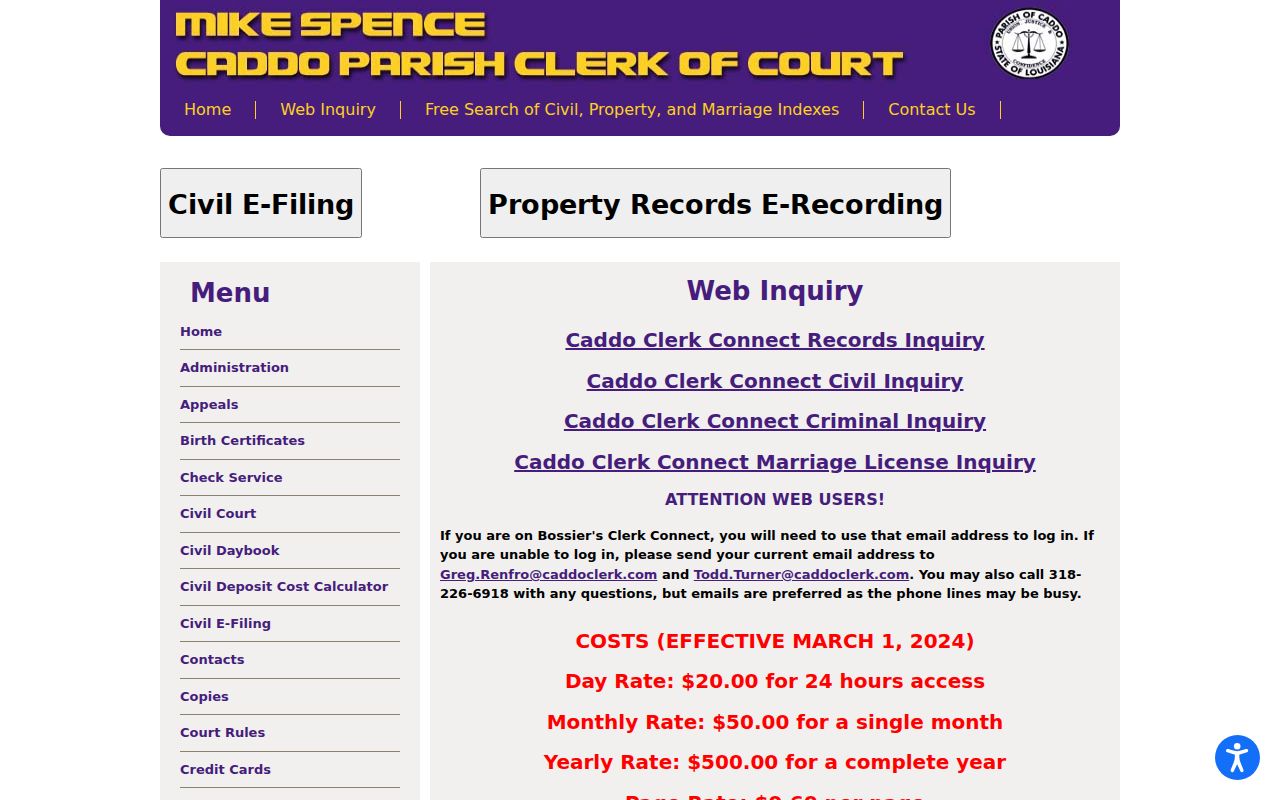
The Caddo Clerk Connect landing page describes civil, criminal, and land record inquiry along with how accounts work. That description alone does not prove each category shares one public, identical, no-cost search form.
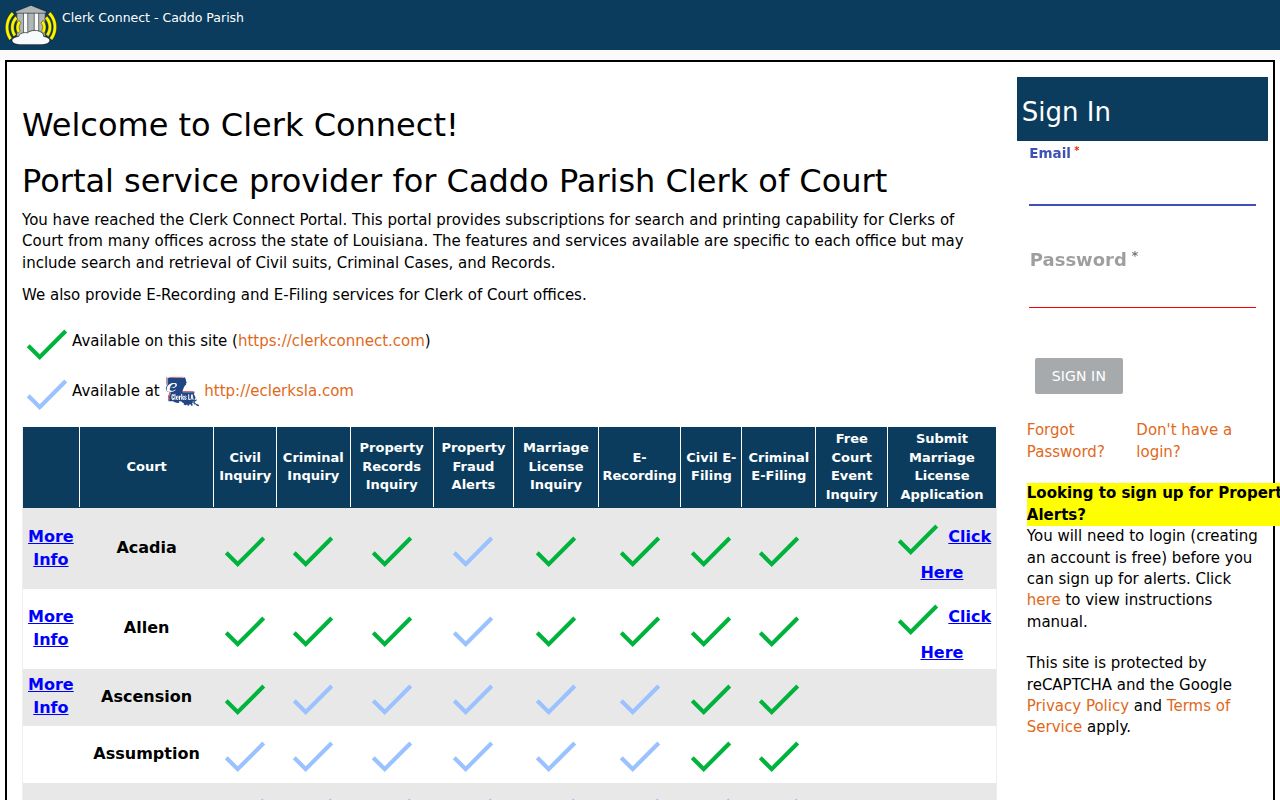
Use the live account interface only for the features it visibly offers. When a search leaves your records question open, fall back on the clerk's direct route.
Two Ways to Search: County and State
Caddo's parish inquiry and the statewide eClerks LA and LCRAA services each do different jobs. Clerk Connect is the paid local route for Caddo civil and criminal inquiry. eClerks LA advertises a free Statewide Portal, Parish Search, eFiling, eRecording, Marriage Application, eClerks Alert, and Criminal Search. What matters is the service type and record class behind a link, not the word "search" in its label.
| eClerks LA / LCRAA | Caddo Clerk Connect |
|---|---|
| Statewide infrastructure with free portal, parish-search, and Criminal Search options. | Caddo parish route for civil and criminal inquiry, with paid access and account behavior. |
| Publicly visible login fields include email, password, Remember me, registration, recovery, and confirmation controls. | Public landing and routing pages do not expose authenticated Caddo search controls. |
| Use for the participating statewide data layer and qualifying minute-entry route. | Use when the sought district case is a Caddo civil or criminal record. |
Caddo eClerks Case Search Access
The eClerks Statewide Portal login shows email and password fields, a Remember me option, and login, password recovery, registration, and resend-confirmation controls. What the statewide index looks like after login stays behind the account. The eClerks LA home page separates its free statewide layer from parish subscriptions, images, and printing services.
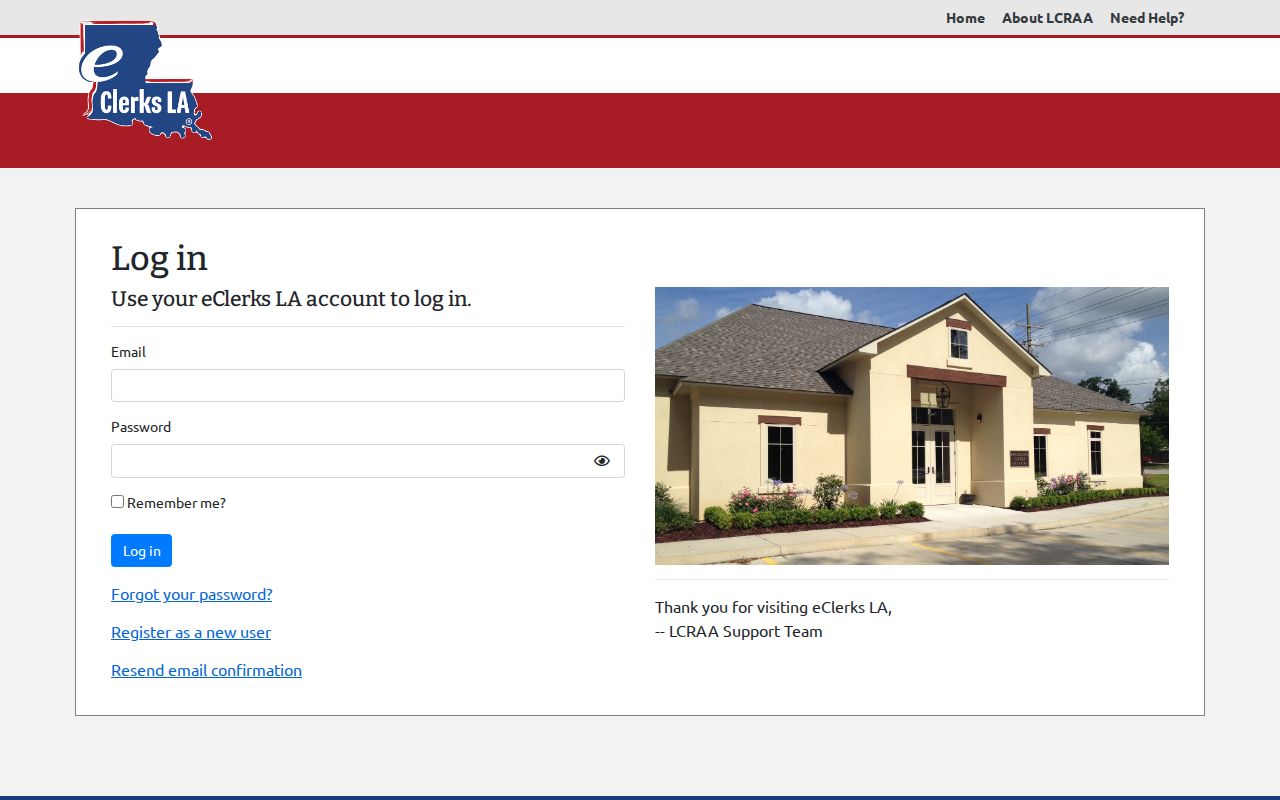
A login screen proves the account route exists. It says nothing about whether a particular Caddo case, document image, or search field is available.
Caddo LCRAA Case Access Boundary
R.S. 13:5992 requires public electronic access to criminal minute entries for qualifying cases. A summary of them counts too. This applies to cases filed on or after January 1, 2020, subject to the statute's terms. Covered categories include charging changes, bail or custody, hearings, adjudication, sentencing, dates, judge, prosecutor, and defendant. Traffic matters sit outside the requirement. The LCRAA criminal layer helps with qualifying minute history. It does not promise every document image. The LCRAA portal login that follows is an account route for Louisiana clerks' land and public-record services. Land, marriage, and recorded-instrument access is a different animal from a Caddo civil or criminal docket search. Keep the two separate.
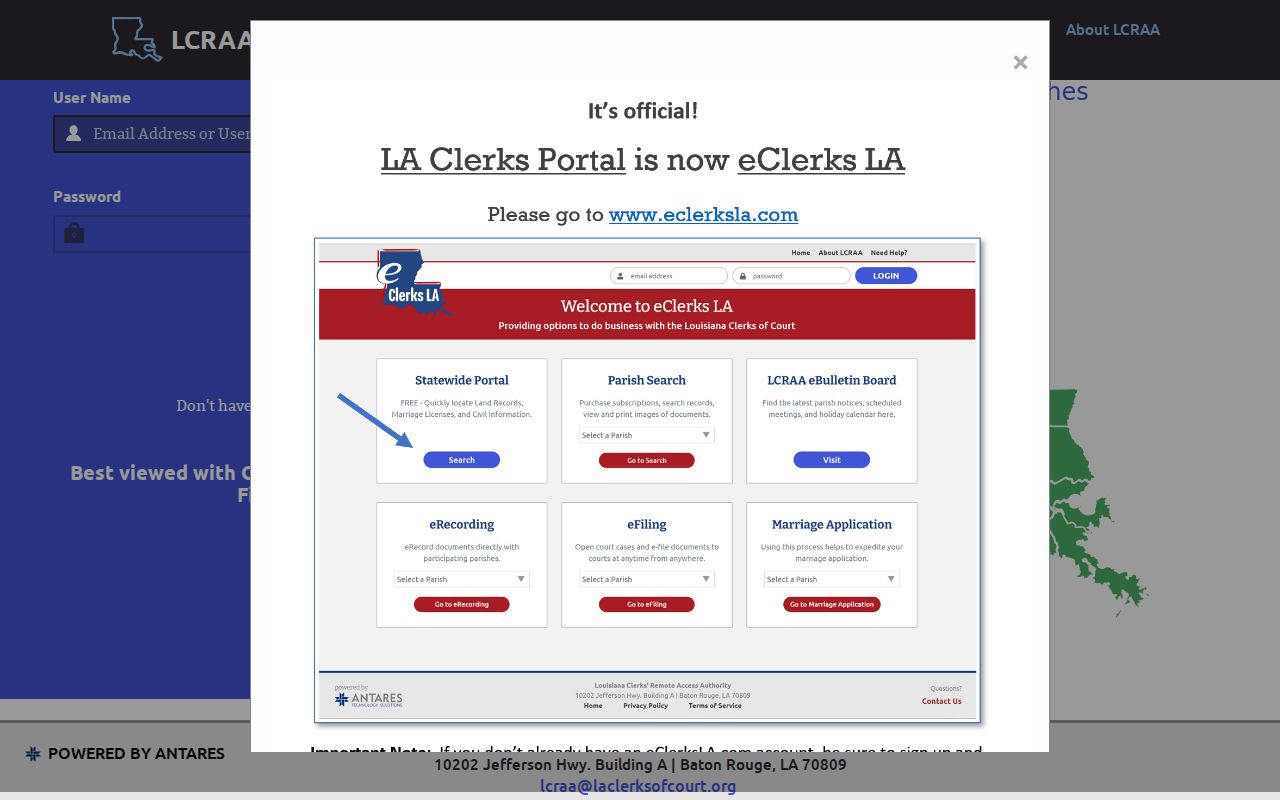
When a document is unavailable, identify its record type first. Then ask the clerk whether a public, redacted, ordinary-copy, or certified-copy route applies.
Which Cases Stay Restricted
Legal status can narrow what a docket search returns. Juvenile records are generally confidential. So are expunged records. A court may seal a case outright, or just one document, party detail, exhibit, or part of a filing. Family and medical material often carries protected information. A public docket can list an entry while the attached image stays unavailable or redacted. A missing result does not prove the proceeding never existed. It may reflect a restricted record, an older unscanned file, or an unavailable image. It could also be a case in another court, a spelling difference, or a portal limit. Read the official notice, then contact the correct office custodian for the rule or order that controls access.
Caddo Restricted Case Access
Louisiana Children's Code art. 412 sets the confidentiality rules for juvenile proceedings. Under La. C.Cr.P. art. 973, expunged records stay confidential except as that statute allows. Electronic access laws add their own protection for private information. Never try to slip past a seal, paywall, restricted portal, or confidential record category. Does the public index show a generic entry but no image? Ask the clerk whether a public or redacted copy exists. A good request names the docket number, record type, date range, and format you want. Is access denied? Ask for the statutory or rule basis plus any segregable public portion. The right move is a custodian inquiry, not a guess about what is missing.
Caddo Federal Case Searches
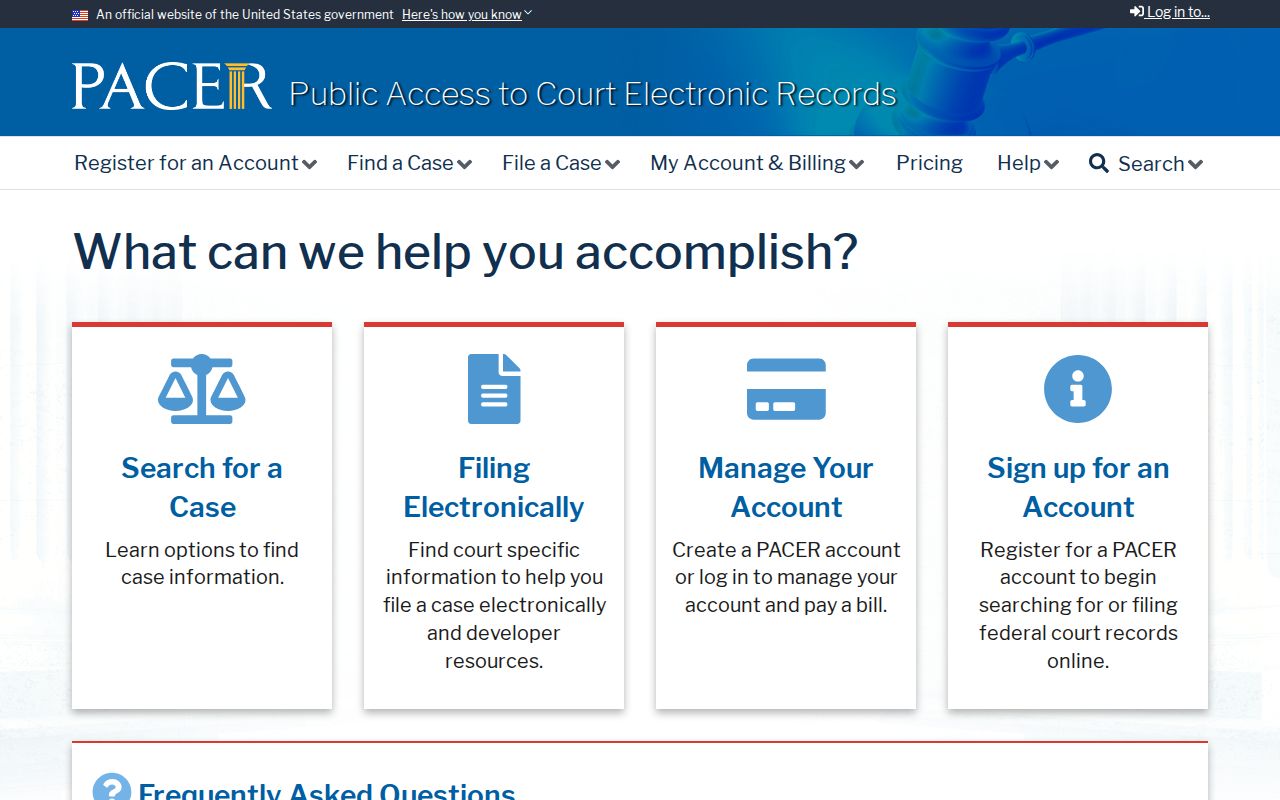
Caddo Parish belongs to the Western District of Louisiana, Shreveport Division. Federal records never appear in Clerk Connect, though. For those, PACER is the official nationwide system for federal cases and documents. Ordinary searches and downloads require an account. PACER's current fee schedule governs the cost. You can search by party, case number, court, or nature of suit. Found the matter? Write down the federal case number, court, filing date, and docket entry.
CourtListener offers a free starting lead on some federal dockets and documents. It cannot replace PACER or CM/ECF, which remain the official federal docket and filing systems. Bankruptcy and Fifth Circuit appeals run through their own federal court paths.
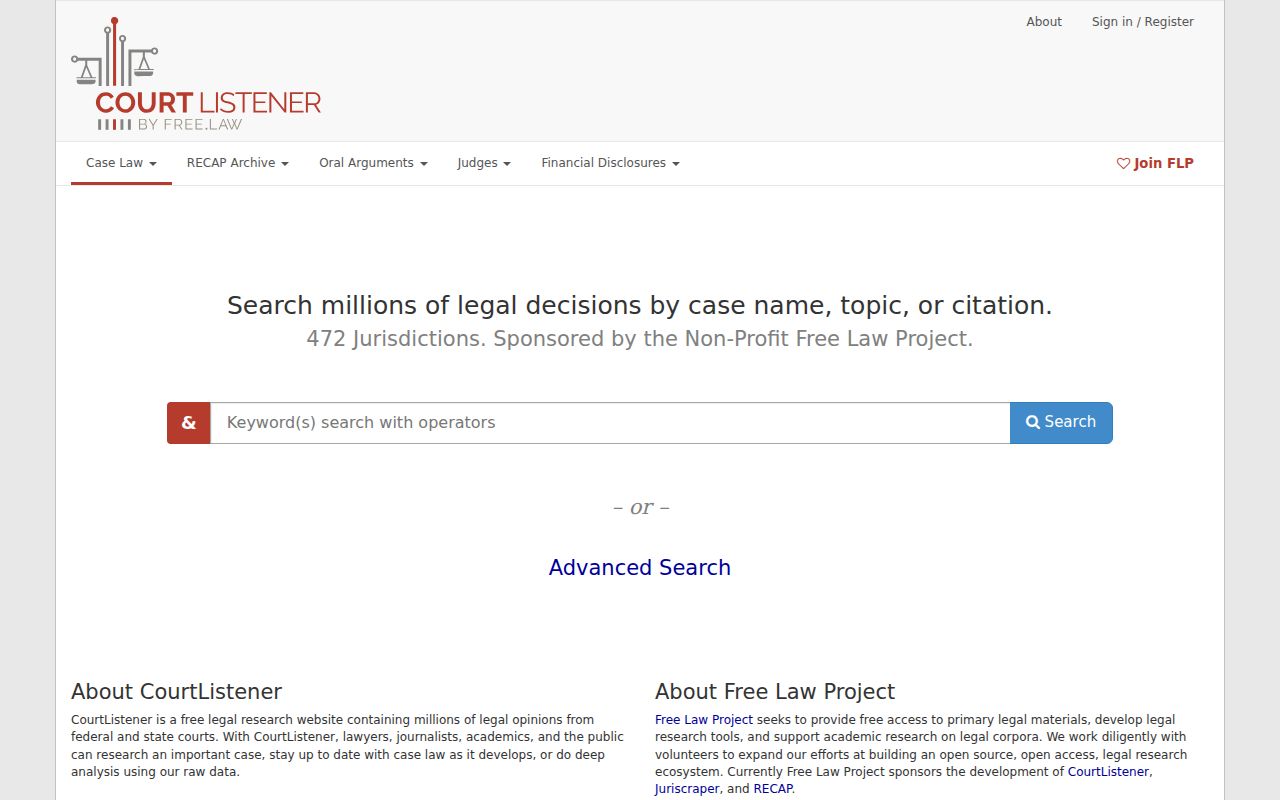
Before relying on any material federal result, verify it through PACER, CM/ECF, or the Western District of Louisiana.