
Shreveport Court Record Confirmation
Check every Shreveport result against the notice you hold. Match the court, the case number, the setting date, and the record type. Only then should you act. The Tyler portal, the City Court calendar, and the payment service each do different jobs, and a search hit answers a different question than a payment item does.
One more caution belongs here. A calendar setting is not a final outcome. A document image usually carries more detail than an index line. Use the deeper source when it matters. If the online display and your paperwork disagree, City Court staff can tell you which local route is correct.
Keep parish matters in their own lane. When a record actually sits in First Judicial District Court, use the Caddo clerk channels rather than asking City Court to certify a parish file. Separating the two routes protects both the source of the record and what its entries mean.
Before any source check, write down four things. List the court, the citation or case number, the date, and the record layer. A docket entry, a document image, and a certified copy serve different purposes. A payment item is not a judgment. A future setting is not a completed hearing. When a notice conflicts with what the portal shows, ask the court which current source controls. A clerk can also identify the right copy process. A City Court answer should stay distinct from a district-court answer.
Shreveport Court Docket Searches
Start any Shreveport City Court lookup at the official City Courts page. Follow its Court Records link. That linked Tyler system is where the City points people for online research, plus viewing or downloading filed documents where that option exists. Keep your citation or case notice close at hand. Its case number, party details, and court line beat a general web search every time. A Shreveport address alone does not decide that.
- Read the court and issuing-agency line on the Shreveport citation or notice.
- Open the official Shreveport City Courts page and follow its Court Records route.
- Use only the search mode and fields the live Tyler portal displays; its static public page does not publish a fixed field list.
- Record the case number, entry date, setting, and whether the result is an index or a filed document.
- If there is no City Court result, use the court named on the notice or the Caddo parish route for the type of case involved.
City Court records stay local. A district civil case, a felony, a domestic matter, or anything else at the parish level belongs with the Caddo Parish Clerk of Court, Mike Spence, not the city portal. The statewide eClerks LA and LCRAA tools, plus the paid Caddo Clerk Connect inquiry, only help when the case sits in that participating parish or district-court system.
Shreveport Tyler Court Records Portal
Shreveport City Court keeps most of its online services on one page. The City’s City Courts page gathers everything in one spot. It links to Court Records, payment, eFile & Serve, and court calendars. A newer Tyler case-management system now handles those jobs. It covers research, payment, and document viewing or downloads. Treat the portal as dynamic, though. Case details may not share the same name, citation, date, or document filter from one search to the next, so a Shreveport court docket lookup can take a few tries before the right entry appears.
The official Shreveport Tyler Court Records portal is the City Court’s online route for its records.
Read each portal result as the record type it truly is. A search hit, a payment status, and a document list answer three different questions. Save the case number, and confirm any copy you need with the City Court clerk.
Inside the Shreveport Municipal Court
Shreveport City Court is the parish’s big municipal operation. Its published jurisdiction covers city ordinances. It also reaches concurrent state misdemeanors, traffic, evictions, peace bonds, small claims, and limited civil matters inside city limits. The City Court Guide sets civil jurisdiction at up to $35,000, while placing divorce, succession, and title to immovable property outside that lane. The same guide caps small claims at $5,000. The court holds no jury trials. The official Shreveport City Courts page lays out the current service routes and court information.
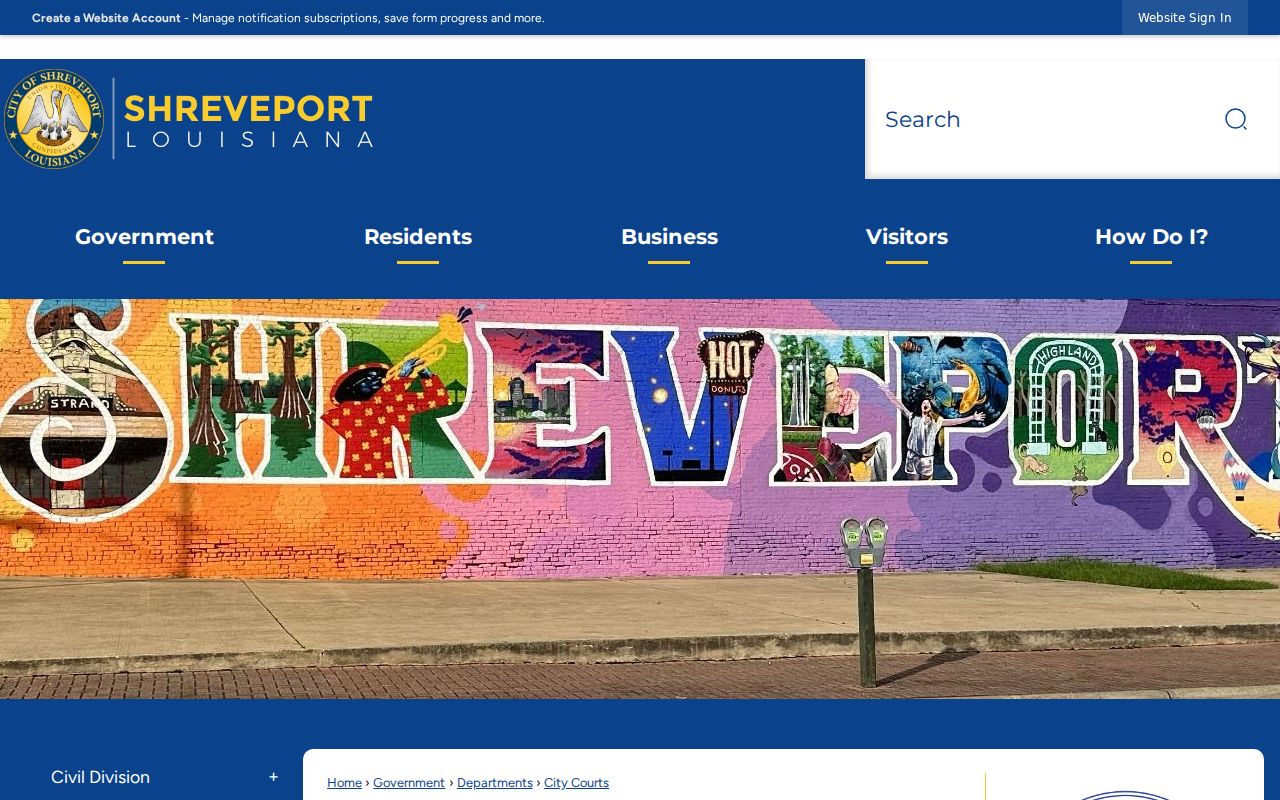
The City Court source page helps here. It lets you tell the municipal docket apart from the parish court’s separate record systems.
So run a court-type check before searching. A City Court citation or limited civil case follows the Shreveport route. A felony, a major civil dispute, a family case, or a district appeal may sit instead in the First Judicial District Court for the Parish of Caddo. Look to the paper. The agency that originated the case, the case type, and the court printed on the notice all control the next step.
Shreveport Court Record Images and eFile
Searching a docket and filing into one are two different tasks. The official City Court page lists eFile & Serve separately from the record portal. The split exists for good reason. Seeing one filed document online is no promise. Not every filing, attachment, or restricted item is public. Read the access or login notice on the live service. Then rely on a result. Shreveport City Court’s eFile & Serve route is the official filing link the City presents.
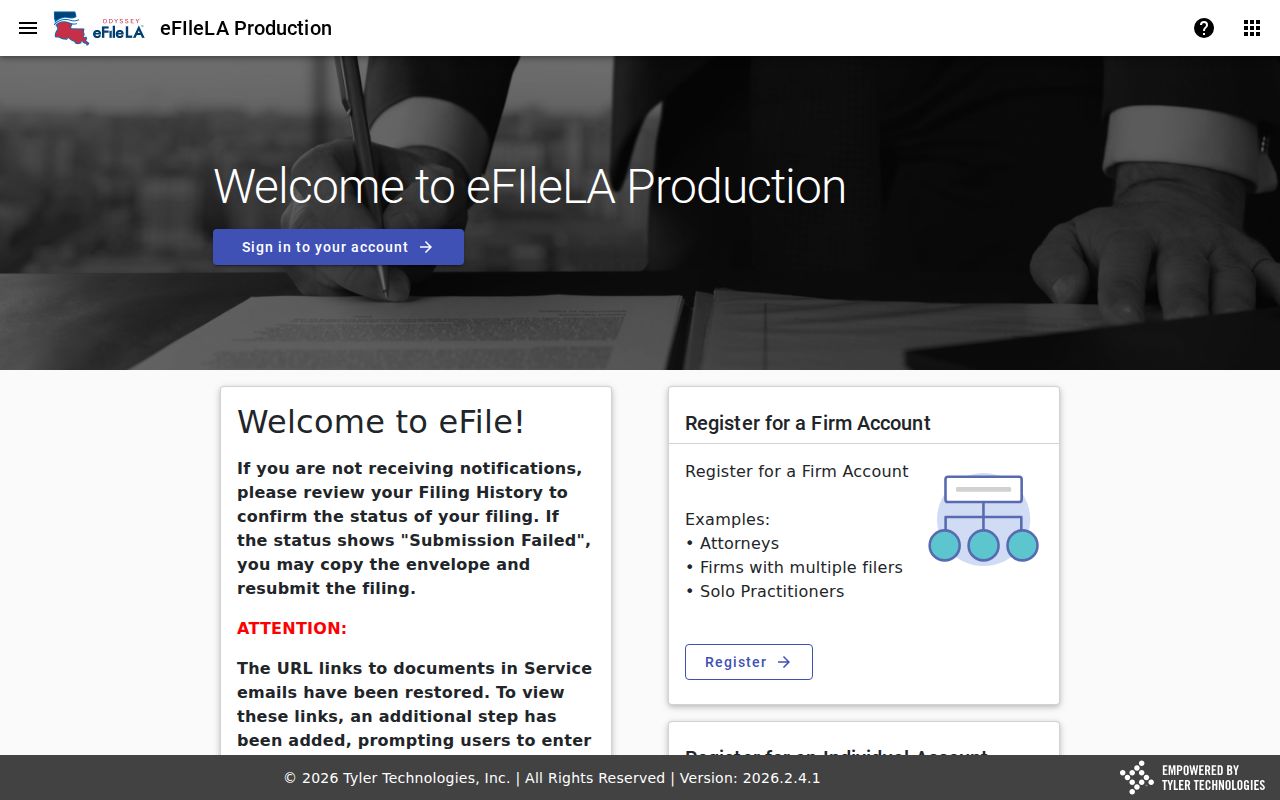
Know what you are asking the Shreveport City Court clerk for. A docket entry, a document image, and a certified copy are three different things. Naming the right one keeps the request moving and stops a screen display from being mistaken for the full official court record.
Finding Shreveport Court Dates
The Shreveport City Courts page posts separate Google calendars for criminal and civil dockets. The record portal stays the better route for digging into a case itself. Hearings generally begin at 9:00 a.m. and 2:00 p.m. That is what the City Court Guide says. Treat those hours as custom, not command. A docket setting can move at any time. Always confirm your court date with the court before you show up, and let your notice override anything a calendar seems to say.
| Date | The listed Shreveport setting date; compare it with the current court notice. |
|---|---|
| Time | The calendar time or individual setting time, not an assumed session time. |
| Courtroom | The room or division shown by the current Shreveport court record or notice. |
| Judge | The presiding judge or assignment displayed for that setting; current City information controls roster changes. |
| Setting Type | A criminal, civil, traffic, compliance, or other listed event, not automatically a trial. |
If your notice and the Shreveport calendar disagree, call City Court. A scheduled entry only proves a date landed on the docket. It tells you nothing about whether the hearing happened or how the case came out.
Shreveport Court Calendar and Court Notice Differences
A Shreveport court record may show a setting. The citation in your hand may carry a deadline instead. The City's Guide warns about exactly this trap. A date roughly three months after a traffic citation can mark the last day to act. It is not the trial or appearance itself. Timing also affects what you can see. The Guide notes that new citation information can take 6 to 10 days to appear. That lag explains why a fresh Shreveport ticket often will not show up right away.
Recent Shreveport ticket: Allow the City Court’s stated entry period, then use the court contact on the citation to confirm the record and next step.
The City Court Guide lists morning contest options. These fall on Monday and Friday. It also sets a mandatory or no-contest night court on the first Monday at 5:30 p.m. No trials are held then. Treat these as general scheduling patterns rather than promises about your own hearing. For the real answer, check the current Shreveport calendar or ask City Court staff directly.
Shreveport Traffic Ticket Lookups
Start by reading the ticket itself. A citation written by Shreveport Police belongs in Shreveport City Court, not the Caddo District Attorney's state-traffic route. Once you confirm the police agency and the court named on the ticket, use the City's records and payment links. Payment can be made online or in person during published hours. To contest, the Guide says to call 318-673-5830. Paying and fighting a ticket are separate paths. Follow the citation and the current instructions from the court itself. The issuing agency matters even inside Shreveport. State-law tickets from the sheriff, Louisiana State Police, constables, universities, or other agencies named by the DA go through the Caddo traffic process instead. See Caddo traffic court records for a fuller breakdown of that agency split. It also covers court date requests.
Shreveport Court Docket Fields to Save
When you pull a Shreveport docket entry, write down the details that matter. Note the court, the case or citation number, party name, date, time, division or courtroom, and judge if displayed. Also note what kind of entry it is. Label each item. Is it a future calendar event, a filing, a payment record, a document image, or an order? A matching party name proves little on its own. A calendar entry is not a judgment. The DA's public search covers future dates only. That limit applies to any First Judicial District criminal setting you look up. You can query it by last name, first name, or docket number. It returns a future date, time, courtroom, and judge when one exists. A result reading "No Future Court Date Found" does not mean the case closed. Go to the official clerk record or minute entry for the complete procedural picture.
How Shreveport Cases Reach the County
Not every Shreveport case stays in City Court. Some climb to the parish level. The First Judicial District Court for the Parish of Caddo serves as the parish's general-jurisdiction trial court. It holds district civil, domestic, criminal, appellate, and minute records, with the Caddo Parish Clerk of Court, Mike Spence, as the keeper. A City Court matter and a district case can grow from the same incident yet run through entirely separate clerks and search channels.
Docket flow: Shreveport City Court › Caddo Parish court routes › First Judicial District Court for the Parish of Caddo
For a Shreveport matter that rises above municipal level, confirm the district-court path first. Then try Clerk Connect, Caddo's paid inquiry route. Or try eClerks LA/LCRAA, which offers statewide services and public criminal search layers. Each has its place. Neither one substitutes for a City Court record request on a municipal case.
Shreveport Court Records at the Clerk and City Court
Each office keeps its own Shreveport court records. City Court holds the city files. The Caddo clerk holds First Judicial District records. Juvenile files sit with the Juvenile Clerk's Office and are generally confidential. Federal matters belong to the Western District of Louisiana, not a parish system, so name the right office before sending any copy request. When district records sit outside the search layer, use the Caddo Clerk's request route with the docket number, case type, date range, and the exact document you want. The Clerk charges $1 per page plus postage for public-record copies. Don't assume that parish fee applies to a Shreveport City Court copy.
Who Can See Shreveport Court Records
Louisiana's public-record law opens most Shreveport court records to inspection and copies. Still, not everything is public in every form. Juvenile files, sealed records, expunged records, and protected private information all follow separate rules. Don't assume anything. Ask the Shreveport custodian which part of a record is public. Ask also whether you can get a plain copy, a certified copy, inspection, or a redacted version.
A request lands best when it gives the clerk something to work with. Name the City Court case or citation number, the party, and the rough date. Say exactly what you want. That might be a docket entry, a judgment, a citation, or a payment/disposition record. If a record is withheld, ask for the governing rule. Ask too for any segregable public portion. Never treat a portal result as the whole file.
Key Rules:
Louisiana Public Records Law permits inspection and copies of public records subject to exceptions, with the custodian bearing the burden to prove an exception.
Louisiana Code of Civil Procedure art. 251 identifies the clerk as record custodian and allows examination or copies during office hours as law and rules permit.
Louisiana Code of Civil Procedure art. 253 treats filed electronic documents as court records while preserving the applicable access rules.